


Entertainment keeps customers, guests, and employees engaged throughout the day. It fills waiting time, adds atmosphere, and keeps people informed. When it stops working, everyone notices.
That’s why commercial DIRECTV installation for businesses needs careful planning. Hotels, restaurants, offices, and healthcare facilities all have different needs. Existing cabling and daily operations add more to consider.
This checklist covers what to review before installation begins. Use it to plan screens, equipment, programming, cost, testing, and support.
What to Prepare
Before you call an installer, gather a list of every screen location, a floor plan or building layout, and notes on existing cabling. Add your programming preferences and a rough sense of your timeline and budget too. You don’t need all of it to get started. But the more you have, the faster you’ll get an accurate plan.
The 10 Steps to Plan Your Installation
These steps follow the order most businesses plan in. Work through them one at a time, or share the list with your installer as a starting point. They help you avoid delays, surprises, and downtime.
1. Count and Map Your Screens by Area
Start by listing every screen that will connect to the system, including guest rooms, lobbies, dining areas, offices, and break rooms. Note any spaces you may add screens to later, since it’s easier to plan for growth now than to rework the system afterward.
Mark each location on a simple floor plan, along with equipment rooms and possible cable routes. Organize the plan by floor or zone so work can happen in phases without shutting down the whole property.
2. Review Existing Cabling
Cabling affects both cost and timeline. Check what type is already installed, where it runs, and whether it’s in good shape. Confirm which areas are currently connected and look for anything damaged or outdated.
If you’re renovating or building new, coordinate this with your other low-voltage installation projects so the walls only need to be opened once. Plan any new wiring before that work begins.
3. Identify the Required DIRECTV Commercial Equipment
The right equipment depends on your building size, layout, and number of screens. Base the list on what your business actually needs, not a generic package. A property assessment before installation confirms the right setup.
Your DIRECTV commercial equipment list will typically include:
- Receivers and distribution equipment
- Mounting hardware for the dish
- Cabling and screen connections
4. Check the Satellite Dish Location
Reception depends on where the dish sits. The site needs a clear view of the sky, away from trees or buildings that could block the signal, along with a safe place to mount it. Confirm roof or property access and plan the cable run to your equipment room ahead of time.
Larger properties with several buildings need extra planning here, since dish placement and cable routing get more complex with each additional structure.
5. Choose Programming for Your Business
Every business has a different audience, so think about what your customers, guests, or employees are most likely to watch. A restaurant or bar may prioritize sports and live events. A hotel needs a broad entertainment lineup across rooms and common areas. An office may lean more toward news and business channels. Ask about a DIRECTV community channel for sharing community news.
Simple, easy-to-use remotes also matter, especially in shared or public spaces where staff can’t walk every guest through the settings.
6. Understand Commercial vs. Standard DIRECTV
Standard DIRECTV service is built for single-household use. Commercial DIRECTV is designed for shared viewing spaces, with service and equipment options that depend on the business type.
DIRECTV installation for businesses has to cover private areas and common areas at the same time, so it’s worth confirming your exact requirements with a provider before you choose a service.
7. Ask About DIRECTV Commercial Installation Cost
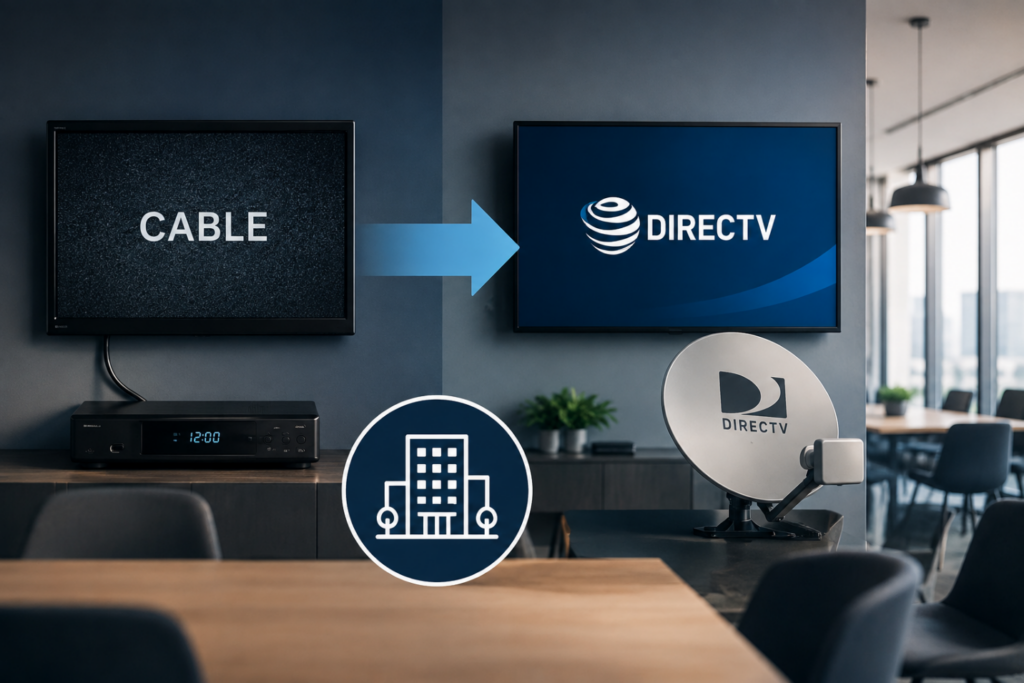
There is no single price for every business. The DIRECTV commercial installation cost depends on building size, layout, and how complex the system needs to be. For a deeper look, read our guide on switching your business from cable to DIRECTV.
A custom quote is more useful than a general estimate. When you review a proposal, ask what it includes for equipment, labor, cabling, activation, and testing, since two quotes can cover very different scopes of work.
8. Choose an Experienced DIRECTV Commercial Installer
Commercial work takes more coordination than a single-room setup. Each DIRECTV commercial installer you compare should have relevant experience and be able to explain how they’ll work around your operating hours. You can also browse the PulseTVNet installation gallery to see past projects.
Ask whether they assess the property before quoting and what support looks like once the installation is done.
9. Plan for Activation and Testing
The job isn’t done when the screens turn on. Before sign-off, every room and common area should be tested for signal quality and correct channels, and receivers and remotes should be fully set up.
Ask for a short walkthrough so your team knows what to do if something goes wrong. Confirm the final programming matches what you selected.
10. Plan for Expansion and Ongoing Support
Your business may add a location, renovate a space, or change programming packages down the line. Planning ahead makes those changes simpler and less disruptive.
Your team also shouldn’t have to troubleshoot technical problems alone. Ask what help is available after installation, who handles receiver and cabling issues, and how future upgrades get scheduled.
Common DIRECTV Installation Mistakes to Avoid
Even well-run businesses hit problems when planning is rushed. The most common ones include counting only today’s screens instead of planning for growth, and assuming old cabling will work without having it checked first.
Skipping a phasing plan is another one. Installing everything at once instead of working zone by zone can create more downtime than necessary. Choosing equipment before the site assessment causes similar issues, since the property should drive the equipment list, not the other way around.
On the business side, comparing prices without comparing scope is a common trap, since two quotes can cover very different work. And not asking about support before signing often means finding out too late that help isn’t readily available. Catching these early protects both your schedule and your customers’ experience.
DIRECTV Business Installation Checklist
Review these items before your DIRECTV business installation begins:
- Screen count by area
- Floor plan with locations
- Existing cabling reviewed
- Satellite dish location confirmed
- Commercial equipment list
- Programming preferences
- Phasing plan for occupied spaces
- Estimated installation cost
- Activation and testing plan
- Staff walkthrough and support plan
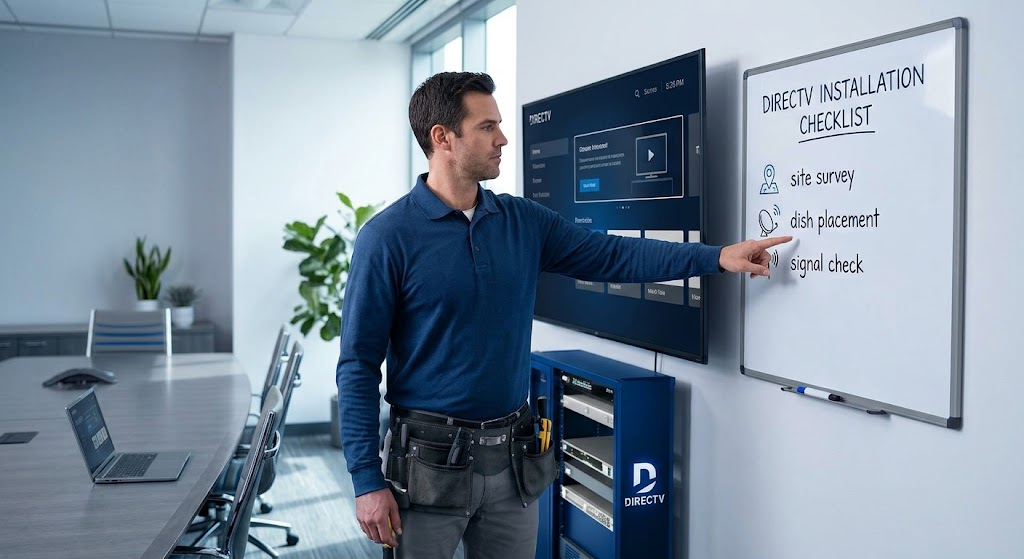
If you still have a question about how our installer manages all these things, check what a directv installer does during installation.
Why Businesses Work With PulseTVNet
Every business is different. PulseTVNet plans each DIRECTV system around your layout, audience, equipment, cabling, and programming.
The team covers the whole project, from property assessment and installation to activation, testing, and ongoing technical help. That means one partner from your first call through long-term support.
Ready to Plan Your Installation?
A smooth installation starts with a good plan. Review your screen locations, cabling, equipment, programming, and budget first. Then work with an installer who understands commercial properties.
PulseTVNet can review your business and walk you through your options. Request a free DIRECTV quote, or call to speak with the team.
FAQs About Commercial DIRECTV Installation
How much does DIRECTV cost for a business?
Pricing depends on building size, number of screens, equipment, cabling, and programming. PulseTVNet provides a customized proposal after reviewing your property.
How is commercial DIRECTV different from standard DIRECTV?
Standard service is for single-household use. Commercial service is designed for businesses and shared viewing areas, with options that depend on the business type.
How long does a commercial installation take?
Timelines depend on property size, screen count, cabling, and equipment availability. You’ll receive an estimated schedule after the initial property assessment.
Can installation be done without disrupting daily operations?
Planning helps. Phasing work by zone or floor and scheduling around business hours can reduce downtime. Ask your installer how they’ll manage this.
Can existing cabling be reused?
Sometimes. An installer needs to check its type, condition, and location first. Damaged or outdated cable may need replacement.
Does DIRECTV offer streaming options for businesses?
DIRECTV offers streaming options for eligible business environments. Suitability depends on internet reliability, the number of screens, and programming needs.
